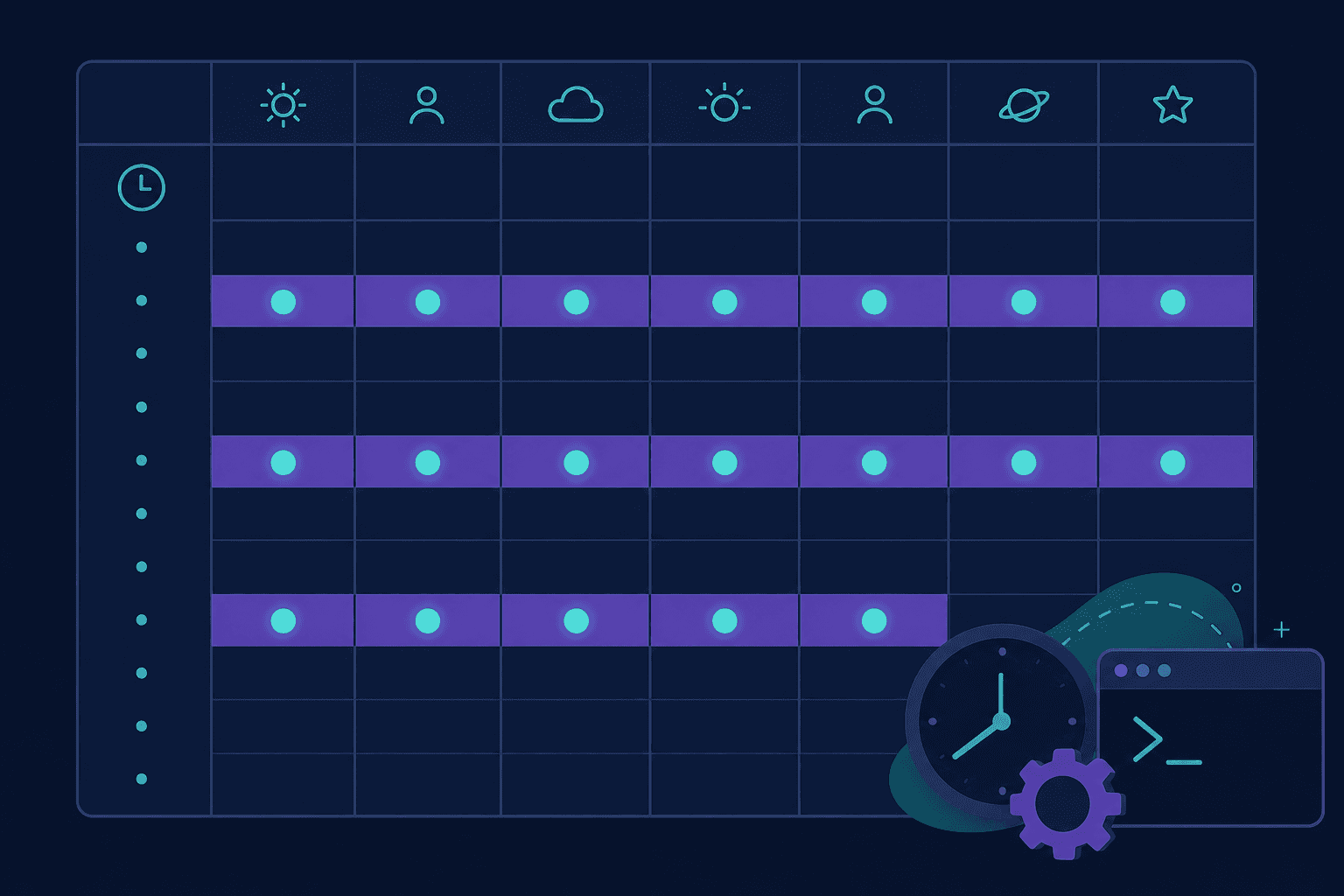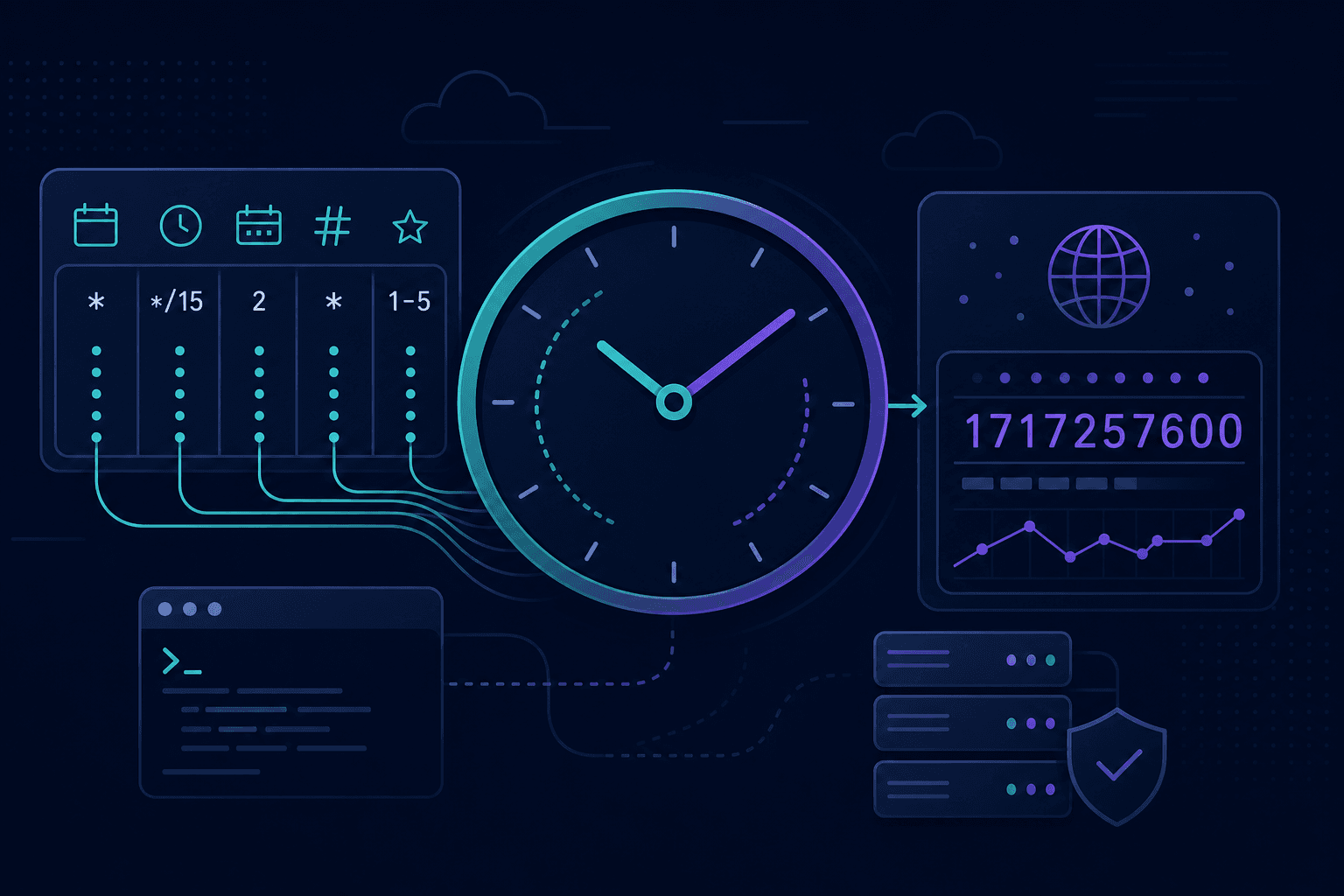
Two quick utilities we built for scheduling and log timestamps. Free to use, runs in the browser.
Cron parser — how it works
- Paste a cron expression (e.g. from crontab, GitHub Actions, or Kubernetes).
- See what each field means in plain language.
- View the next scheduled run times.
- Spot common mistakes in the expression.
Timestamp converter — how it works
- Enter a Unix timestamp (seconds or milliseconds—we detect which).
- Get the date and time in your timezone and UTC.
- Or pick a date and time to get the Unix epoch value back.